 Doorman
Your inbox, briefed.
Open Doorman and get a TL;DR of your mail: who is waiting for your reply, what a colleague already answered in a Google Group, what you are still waiting on. Every thread has a one-line summary and reply suggestions; tell the agent what to say and approve the draft.
Gmail, iCloud, Microsoft 365 / Exchange and any IMAP account. Your mail stays on your devices.
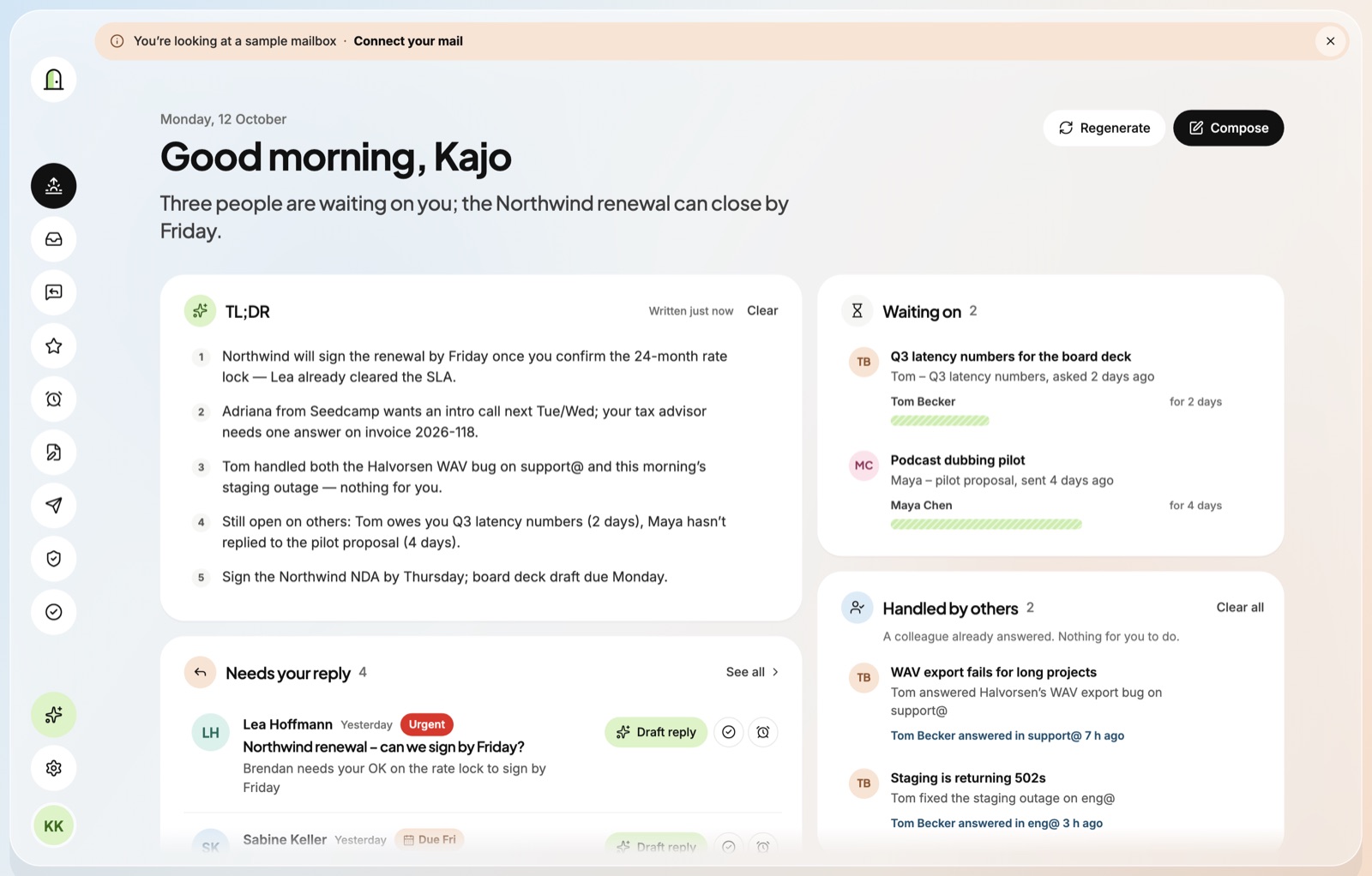
A TL;DR every time you open it
What needs your reply, what can wait, and what the spam filter kept out — in a few lines, not a hundred subject lines.
Knows when it's handled
If a colleague already answered — in a Google Group or a thread you're only copied on — Doorman says so, and keeps it off your plate.
Drafts you approve
Say "reply to Anna that Thursday works". Doorman writes it in your voice with your signature. Nothing is sent until you approve it.
Your mail stays yours
- Doorman connects straight from your device to your mail provider. There is no Doorman server in between.
- The local mail cache is encrypted; passwords, tokens and API keys live in your Keychain.
- AI features use the provider you choose (Claude or OpenAI) with your own key. Mail text is sent only for the features you use.
- No ads, no tracking, no analytics. Remote images are blocked by default.
Still a full mail client
- Unified inbox, search, snooze, send later and undo send.
- Signatures per account, picked automatically for new mail and replies.
- Your own spam model (Laya) files newsletters, pitches and phishing away.
- An MCP server on your Mac, so your agents can work with your mail — always with your approval to send.
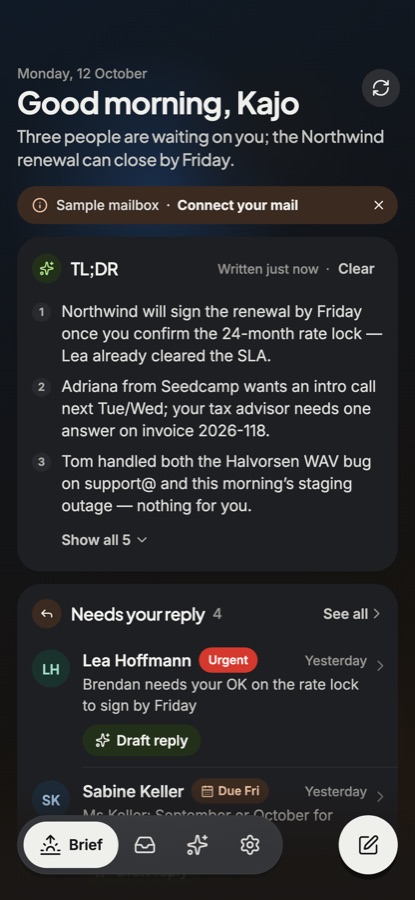
The same brief on your iPhone
Swipe to clear what's handled, tap to draft a reply, and keep the brief short wherever you are.